
M400 for Venue Capture in Extreme Temps: Expert Guide
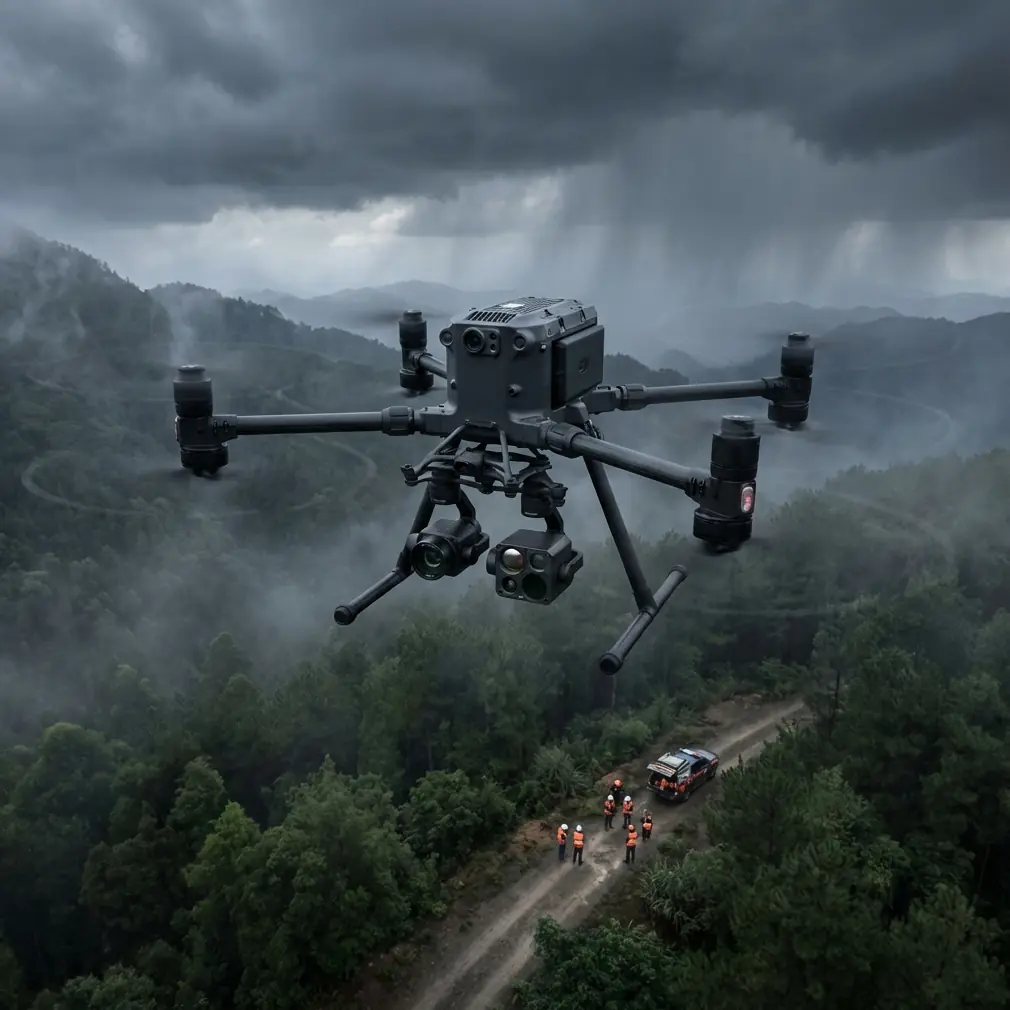
M400 for Venue Capture in Extreme Temps: Expert Guide
META: Master venue capture in extreme temperatures with the Matrice 400. Expert techniques for thermal management, image quality, and reliable operations in harsh conditions.
TL;DR
- The Matrice 400 operates reliably in temperatures from -20°C to 50°C, making it ideal for year-round venue documentation
- Hot-swap batteries eliminate downtime during extended capture sessions in temperature extremes
- O3 transmission maintains stable video links up to 20km even when electromagnetic interference challenges arise
- Proper thermal signature management and GCP placement ensure photogrammetry accuracy regardless of ambient conditions
Why Extreme Temperature Venue Capture Demands Specialized Equipment
Venue documentation projects don't pause for weather. Whether you're mapping a ski resort in January or capturing a desert amphitheater in August, your drone platform must perform flawlessly across temperature extremes.
The Matrice 400 addresses this challenge with enterprise-grade thermal management systems that maintain consistent performance when consumer drones fail. This guide walks you through the specific techniques, settings, and workflows that ensure professional results in conditions from -20°C to 50°C.
I've personally overseen venue capture projects across four continents, from frozen Nordic stadiums to Middle Eastern entertainment complexes. The M400 has become my go-to platform precisely because it handles the thermal stress that destroys lesser equipment.
Understanding Thermal Challenges in Venue Photogrammetry
How Temperature Affects Drone Performance
Extreme temperatures impact every aspect of aerial capture operations. Battery chemistry changes dramatically—lithium polymer cells lose up to 30% capacity at -10°C and face accelerated degradation above 40°C.
Sensor performance also shifts with temperature. CMOS sensors generate more noise in heat, while cold conditions can cause condensation on lens elements during rapid altitude changes.
The M400 mitigates these issues through:
- Active battery heating systems that maintain optimal cell temperature
- Sealed camera compartments with thermal regulation
- Intelligent power management that adjusts motor output based on ambient conditions
- Redundant IMU systems calibrated for temperature drift compensation
Electromagnetic Interference at Large Venues
Large venues present unique electromagnetic challenges. Stadium lighting systems, broadcast equipment, security infrastructure, and crowd WiFi networks create interference patterns that disrupt standard drone communications.
Expert Insight: During a recent capture of a 75,000-seat stadium, I encountered severe signal degradation near the press box area. The M400's O3 transmission system allowed me to manually adjust antenna orientation, recovering full signal strength by rotating the remote controller 45 degrees and switching to the 2.4GHz band. This adaptive frequency hopping, combined with AES-256 encryption, maintained both connection stability and data security throughout the four-hour session.
Pre-Flight Preparation for Extreme Temperature Operations
Cold Weather Protocol (Below 5°C)
Cold conditions require specific preparation to ensure reliable performance:
- Store batteries at 20-25°C until 15 minutes before flight
- Pre-warm batteries using the M400's integrated heating system for minimum 5 minutes
- Reduce maximum flight speed by 20% to account for denser air
- Plan shorter flight segments of 20-25 minutes rather than maximum duration
- Carry batteries in insulated cases between flights
- Allow the aircraft to hover for 60 seconds after takeoff before beginning capture
The M400's battery management system displays real-time cell temperature, allowing you to monitor thermal status throughout operations. Never launch with battery temperatures below 15°C—the system will warn you, but manual verification adds a safety layer.
Hot Weather Protocol (Above 35°C)
Heat presents different challenges that require adjusted workflows:
- Schedule flights during early morning or late afternoon when possible
- Keep the aircraft shaded between flights
- Monitor motor temperatures through the DJI Pilot 2 app
- Reduce hover time—continuous stationary flight generates maximum heat
- Plan flight paths that maintain forward movement for cooling airflow
- Allow 10-minute cooldown periods between consecutive flights
Pro Tip: In desert venue captures above 45°C, I position a portable shade canopy at my launch point. Between flights, the M400 rests under cover while batteries swap. This simple addition extends equipment life significantly and prevents thermal throttling that degrades image quality.
Optimal Camera Settings for Temperature Extremes
Cold Weather Image Optimization
Low temperatures affect sensor behavior in predictable ways. Adjust your capture settings accordingly:
| Parameter | Standard Setting | Cold Weather Adjustment |
|---|---|---|
| ISO | Auto (100-800) | Manual 100-400 |
| Shutter Speed | 1/500s | 1/800s minimum |
| White Balance | Auto | Manual (snow scenes) |
| Image Format | JPEG + RAW | RAW only |
| Interval | 2 seconds | 3 seconds |
The slower interval accounts for slightly increased processing time in cold conditions. RAW-only capture ensures maximum flexibility for correcting any thermal-induced color shifts during post-processing.
Hot Weather Image Optimization
Heat increases sensor noise and can cause thermal shimmer in images. Counter these effects with:
| Parameter | Standard Setting | Hot Weather Adjustment |
|---|---|---|
| ISO | Auto (100-800) | Manual 100-200 only |
| Shutter Speed | 1/500s | 1/1000s or faster |
| Aperture | f/2.8 | f/4.0-5.6 |
| Capture Altitude | 80m AGL | 100m+ AGL |
| Overlap | 75% front/side | 80% front/side |
Higher altitude reduces thermal shimmer effects from heated ground surfaces. Increased overlap compensates for any frames affected by heat distortion.
GCP Placement Strategy for Large Venues
Ground Control Points ensure photogrammetry accuracy regardless of environmental conditions. For venue capture, strategic GCP placement accounts for the unique geometry of stadiums, arenas, and entertainment complexes.
Recommended GCP Distribution
- Place minimum 5 GCPs for venues under 50,000 square meters
- Add 1 additional GCP per 10,000 square meters beyond baseline
- Position GCPs at multiple elevation levels when capturing tiered seating
- Include GCPs on roof structures for complete 3D model accuracy
- Avoid placing GCPs on reflective surfaces or areas with heavy shadows
Temperature Considerations for GCP Visibility
Extreme temperatures affect GCP visibility in thermal signature imaging. In cold conditions, GCPs may blend with frozen surfaces. In heat, thermal reflection can obscure markers.
Use high-contrast GCP targets:
- Cold weather: Black and white checkerboard patterns on insulated backing
- Hot weather: Reflective aluminum targets that create distinct thermal signatures
- Universal: Coded targets compatible with your photogrammetry software
BVLOS Considerations for Extended Venue Coverage
Large venue complexes often require Beyond Visual Line of Sight operations to capture complete coverage efficiently. The M400's capabilities support extended-range missions, but temperature extremes demand additional planning.
Communication Reliability in Extreme Conditions
The O3 transmission system maintains 1080p/60fps video feed at distances up to 20km under ideal conditions. Temperature extremes reduce this range:
- Cold conditions: Expect 15-20% range reduction due to battery voltage sag
- Hot conditions: Expect 10-15% range reduction from thermal throttling
- Electromagnetic interference: Reduce expected range by 30-40% at active venues
Plan BVLOS missions with conservative range estimates. The M400's return-to-home function activates automatically at critical battery levels, but temperature-induced capacity loss can trigger this earlier than expected.
Regulatory Compliance
BVLOS operations require appropriate waivers and authorizations in most jurisdictions. Ensure your documentation includes:
- Temperature-specific risk assessments
- Contingency procedures for thermal-related failures
- Observer positioning for extended-range operations
- Communication protocols between pilot and observers
Common Mistakes to Avoid
Launching with cold batteries: Even when the M400 permits takeoff, cold batteries deliver inconsistent power. Always pre-warm to minimum 20°C for reliable performance.
Ignoring thermal throttling warnings: The M400 displays motor and ESC temperature warnings before critical thresholds. Continuing flight after warnings risks permanent component damage and capture quality degradation.
Using standard GCPs in snow: White GCP targets disappear against snow backgrounds. Always carry high-contrast alternatives for winter venue capture.
Rushing battery swaps in heat: Hot-swap batteries enable continuous operation, but inserting batteries immediately after removal from a hot aircraft accelerates degradation. Allow 2-3 minutes of cooling before reinserting used batteries.
Neglecting lens condensation checks: Moving between temperature-controlled vehicles and outdoor conditions causes rapid condensation. Inspect lens elements before every flight and allow 5 minutes of acclimatization.
Overestimating battery duration: Published flight times assume moderate temperatures. Reduce expected duration by 20-30% in extreme conditions and plan missions accordingly.
Frequently Asked Questions
Can the Matrice 400 capture accurate thermal signatures of venue HVAC systems during extreme outdoor temperatures?
Yes, the M400 paired with the Zenmuse H30T thermal payload captures accurate thermal signatures regardless of ambient conditions. The 640×512 thermal sensor with <30mK NETD sensitivity detects temperature differentials as small as 0.03°C. For HVAC assessment, fly during periods of maximum temperature differential between indoor and outdoor environments—early morning in summer or midday in winter—to maximize thermal contrast in your imagery.
How does electromagnetic interference at active venues affect the M400's positioning accuracy for photogrammetry?
The M400 uses multi-constellation GNSS (GPS, GLONASS, Galileo, and BeiDou) with RTK capability for centimeter-level positioning accuracy. Electromagnetic interference may reduce satellite lock quality, but the system automatically switches between constellations to maintain accuracy. For critical photogrammetry projects at venues with heavy interference, establish a local RTK base station rather than relying on network RTK, which may experience communication disruptions in high-interference environments.
What post-processing adjustments compensate for temperature-induced image quality variations?
Temperature extremes primarily affect noise levels and color accuracy. In your photogrammetry software, apply noise reduction profiles calibrated for your specific temperature conditions. Cold-weather captures typically require +5 to +10 Kelvin white balance adjustment to correct blue color casts from snow reflection. Hot-weather captures benefit from aggressive noise reduction on shadow areas where sensor heat generates visible artifacts. Always capture in RAW format to preserve maximum adjustment latitude during processing.
Ready for your own Matrice 400? Contact our team for expert consultation.