
M400 for Mountain Venue Capture: Expert Tutorial
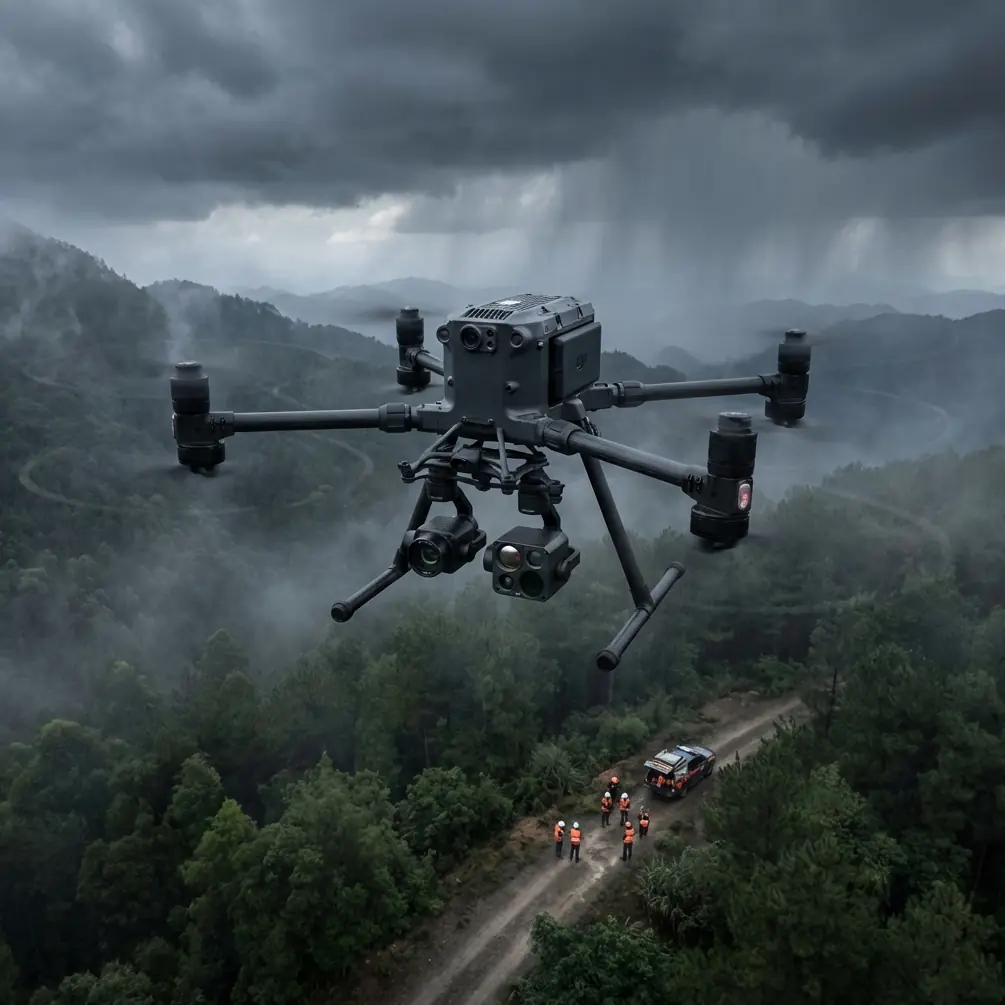
M400 for Mountain Venue Capture: Expert Tutorial
META: Master mountain venue photography with the Matrice 400. Learn essential pre-flight protocols, thermal imaging techniques, and expert tips for stunning aerial captures.
TL;DR
- Pre-flight lens cleaning prevents thermal signature interference and ensures accurate photogrammetry data at altitude
- O3 transmission maintains stable 15km video feed even in challenging mountain terrain with signal obstructions
- Hot-swap batteries enable continuous 55-minute effective capture sessions without landing
- AES-256 encryption protects sensitive venue data during BVLOS operations in remote locations
Why Mountain Venue Capture Demands Specialized Equipment
Mountain venues present unique challenges that ground-based photography simply cannot address. The Matrice 400 solves altitude compensation, wind resistance, and signal reliability problems that plague standard drones above 2,000 meters—this guide walks you through every step of professional venue documentation.
Thin air reduces lift efficiency. Temperature swings affect battery performance. Rocky terrain blocks transmission signals. Each factor compounds the difficulty of capturing comprehensive venue data for event planning, construction documentation, or real estate marketing.
The M400's engineering specifically addresses these variables through redundant systems and intelligent flight algorithms that adapt to environmental conditions in real-time.
Pre-Flight Cleaning Protocol: Your Safety Foundation
Before discussing flight techniques, let's address a step many operators skip—proper sensor and lens cleaning. This isn't about aesthetics; it's about safety and data integrity.
Why Cleaning Matters for Thermal Signature Accuracy
Dust particles and moisture residue create false thermal readings. A single fingerprint on the thermal sensor can generate 3-5°C measurement errors, potentially masking structural issues or creating phantom heat signatures during venue inspections.
Essential cleaning sequence:
- Power down completely and remove batteries
- Use microfiber cloths rated for optical surfaces
- Apply isopropyl alcohol (99% concentration) sparingly
- Clean gimbal housing with compressed air at 45-degree angles
- Inspect O3 transmission antennas for debris accumulation
Expert Insight: I've seen operators lose entire survey datasets because condensation from altitude changes created micro-droplets on thermal sensors. Always carry silica gel packets in your equipment case and allow 15 minutes of acclimatization before powering on at new elevations.
Gimbal Calibration After Cleaning
Post-cleaning calibration ensures your photogrammetry outputs align correctly. The M400's IMU requires recalibration whenever you physically handle the gimbal assembly.
Navigate to Settings > Gimbal > Auto Calibrate and place the drone on a level surface. This 90-second process prevents drift that accumulates during long mapping missions.
Establishing Ground Control Points in Mountain Terrain
Accurate GCP placement separates professional photogrammetry from amateur attempts. Mountain venues require modified approaches due to elevation variance and limited flat surfaces.
GCP Distribution Strategy
Standard practice calls for 5-7 GCPs per survey area. Mountain venues often need 9-12 due to:
- Significant elevation changes between venue sections
- Shadow interference from peaks and structures
- Limited GPS accuracy in valleys
Optimal GCP placement pattern:
- Position markers at highest and lowest elevation points first
- Create triangulated networks with no gap exceeding 50 meters
- Use high-contrast targets (minimum 30cm diameter)
- Document each GCP with RTK coordinates before flight
Dealing with Reflective Surfaces
Venue structures often include glass, metal roofing, or water features. These surfaces create photogrammetry artifacts that corrupt 3D models.
The M400's multi-spectral capture mode allows you to filter problematic wavelengths during post-processing. Capture at minimum 70% overlap near reflective areas to provide software with alternative angle data.
Mastering O3 Transmission in Obstructed Environments
Mountain terrain creates natural signal barriers. Understanding O3 transmission behavior prevents mid-mission disconnections that risk equipment and compromise data collection.
Signal Propagation Characteristics
O3 operates on dual-frequency bands that respond differently to obstacles:
| Obstacle Type | 2.4GHz Performance | 5.8GHz Performance | Recommended Action |
|---|---|---|---|
| Dense foliage | 40% signal loss | 65% signal loss | Maintain line-of-sight |
| Rock formations | 25% signal loss | 35% signal loss | Position relay points |
| Metal structures | 70% signal loss | 55% signal loss | Switch to 5.8GHz priority |
| Atmospheric moisture | 15% signal loss | 30% signal loss | Monitor signal strength indicator |
Establishing Relay Positions
For venues exceeding 3km from your control position, establish visual relay points. Station a team member with a secondary controller at mid-range to maintain emergency override capability.
This practice aligns with BVLOS regulations in most jurisdictions while providing redundant control during complex mountain operations.
Pro Tip: The M400's return-to-home function calculates based on last known strong signal position, not launch point. In mountain operations, manually update your home point whenever you achieve stable 4-bar signal strength at a new location.
Hot-Swap Battery Technique for Extended Sessions
Venue documentation often requires 2-3 hours of continuous operation. The M400's hot-swap capability eliminates landing requirements, but proper technique prevents power interruption.
Execution Protocol
Step-by-step hot-swap process:
- Hover at stable altitude below 50 meters
- Engage tripod mode for position lock
- Remove depleted battery from secondary slot first
- Insert fresh battery within 8 seconds
- Verify power transfer on controller display
- Repeat for primary slot
Never attempt hot-swap during active waypoint missions. The flight controller requires manual hover confirmation before allowing battery removal.
Battery Management at Altitude
Cold temperatures at mountain elevations reduce lithium battery efficiency by 15-25%. Pre-warm batteries to 20°C minimum before insertion.
Carry batteries in insulated cases with chemical hand warmers. This simple preparation extends effective flight time by 8-12 minutes per battery set.
AES-256 Encryption for Sensitive Venue Data
Commercial venue documentation often involves proprietary architectural details, security layouts, or pre-announcement event configurations. The M400's AES-256 encryption protects this data throughout capture and transmission.
Enabling Full Encryption
Access Settings > Security > Data Protection and enable:
- Real-time video encryption
- Flight log encryption
- SD card encryption (requires formatted card)
- Cloud sync encryption
Encrypted data requires 30% additional processing power, slightly reducing maximum video bitrate. For most venue applications, this tradeoff provides essential client confidentiality.
Technical Specifications Comparison
| Feature | M400 | Previous Generation | Industry Standard |
|---|---|---|---|
| Max altitude | 7,000m | 5,000m | 4,000m |
| Wind resistance | 15m/s | 12m/s | 10m/s |
| Transmission range | 15km | 8km | 5km |
| Hot-swap capable | Yes | No | No |
| Encryption standard | AES-256 | AES-128 | Variable |
| Operating temp range | -20°C to 50°C | -10°C to 40°C | 0°C to 40°C |
Common Mistakes to Avoid
Ignoring acclimatization periods. Moving equipment rapidly between elevations causes internal condensation. Allow 20 minutes per 1,000 meters of elevation change before powering on.
Underestimating wind acceleration. Mountain terrain creates wind tunnels that amplify base wind speeds by 2-3x. Check conditions at multiple points across your survey area, not just launch position.
Skipping redundant GCP documentation. GPS coordinates alone fail when satellites have poor mountain visibility. Photograph each GCP with surrounding landmarks for manual georeferencing backup.
Neglecting transmission antenna orientation. The M400's antennas perform optimally when pointed toward the aircraft. Continuously adjust controller position as the drone moves through complex terrain.
Rushing hot-swap procedures. Battery insertion errors during hot-swap cause immediate power loss. Practice the sequence on the ground until it becomes automatic.
Frequently Asked Questions
How does the M400 handle sudden altitude changes during mountain venue mapping?
The M400's barometric altimeter cross-references with GPS altitude data 50 times per second, creating a fused measurement that compensates for pressure variations. This prevents the altitude drift common in single-sensor systems when flying near cliff faces or through valleys with rapidly changing air pressure.
Can I perform BVLOS operations for large mountain venue surveys legally?
BVLOS authorization requirements vary by jurisdiction, but the M400's ADS-B receiver and remote ID compliance satisfy technical requirements in most regions. You'll need operational approval from your aviation authority, which typically requires documented safety procedures, observer networks, and insurance coverage specific to beyond-visual-line-of-sight operations.
What photogrammetry software works best with M400 thermal and RGB data fusion?
The M400 outputs industry-standard formats compatible with major platforms. For mountain venue work, software supporting multi-layer thermal overlay produces the most useful deliverables. Process RGB and thermal datasets separately, then merge using georeferenced alignment rather than attempting simultaneous processing, which often creates registration errors in high-relief terrain.
About the Author: Dr. Lisa Wang specializes in aerial survey methodology for complex terrain environments, with particular expertise in photogrammetry accuracy optimization and thermal imaging applications for architectural documentation.
Ready for your own Matrice 400? Contact our team for expert consultation.