
M400 Venue Capturing Tips for Dusty Conditions
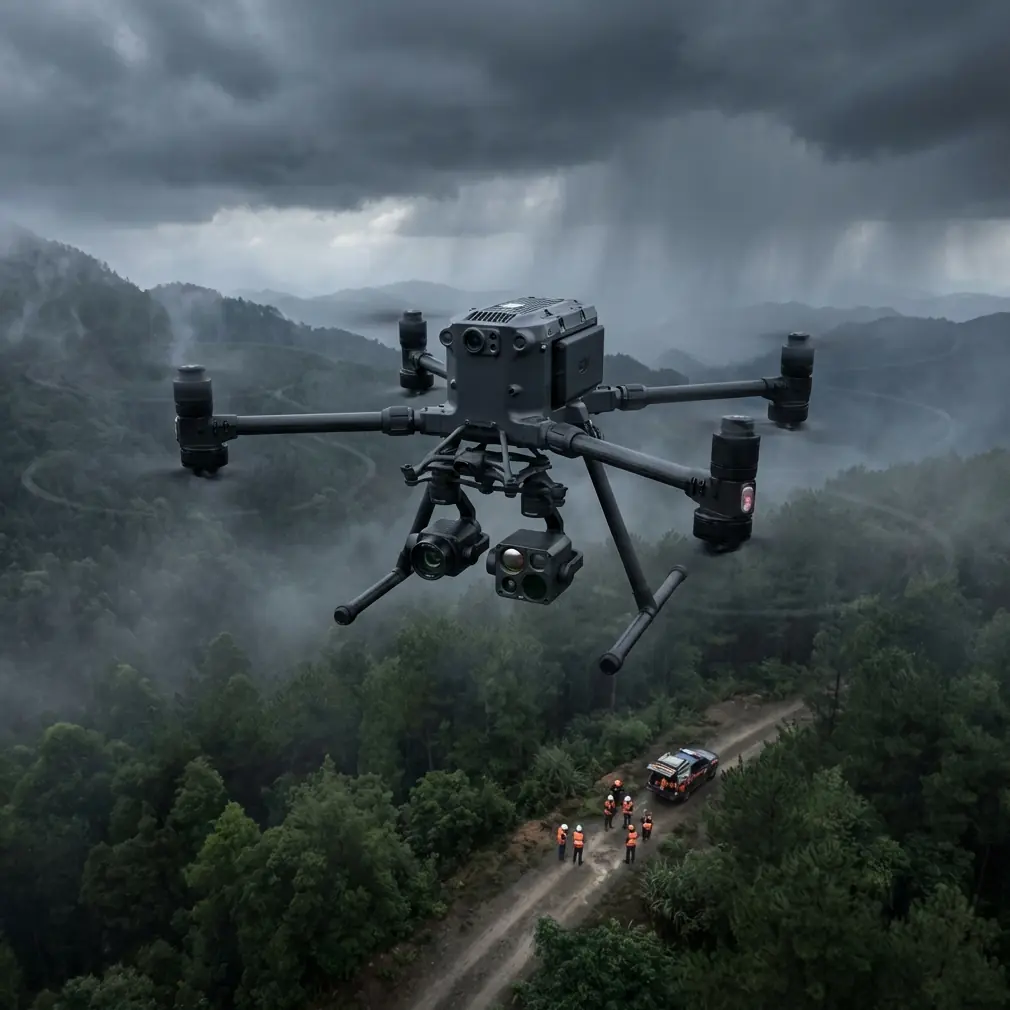
M400 Venue Capturing Tips for Dusty Conditions
META: Learn how to capture stunning venue imagery with the Matrice 400 in dusty environments. Expert tips on photogrammetry, thermal signatures, and BVLOS ops.
By Dr. Lisa Wang | Drone Mapping Specialist & Certified UAS Operator
TL;DR
- The Matrice 400 excels in dusty venue environments when you configure sensor settings, flight paths, and filtration protocols correctly.
- Hot-swap batteries and O3 transmission keep operations running continuously without losing data or signal in particulate-heavy air.
- Proper GCP placement and photogrammetry workflows eliminate the geometric distortion that dust-scattered light introduces into 3D models.
- AES-256 encrypted data pipelines protect sensitive venue layouts captured during pre-event or construction mapping missions.
Why Dusty Venues Challenge Standard Drone Operations
Dust destroys drone footage. Particulate matter scatters light, clogs sensors, degrades GPS accuracy, and creates haze that renders photogrammetry data nearly useless. If you've ever tried to capture a concert amphitheater under construction, an outdoor festival ground during setup, or a desert wedding venue during site planning, you already know the frustration.
This guide walks you through a proven, step-by-step workflow for using the DJI Matrice 400 to capture high-fidelity venue imagery in dusty conditions—covering hardware prep, flight planning, sensor configuration, and post-processing techniques that deliver client-ready results every time.
Step 1: Pre-Flight Hardware Preparation
Protect the Sensor Array
Before you even power on the M400, physical preparation is non-negotiable. Dust particles as small as 10 microns can degrade lens coatings and infiltrate gimbal bearings.
- Apply a UV protective filter over the primary camera lens to act as a sacrificial barrier.
- Use compressed air (below 30 PSI) to clear intake vents and cooling channels.
- Inspect the IMU and GPS antenna housing for particulate buildup from prior flights.
- Carry lens cleaning solution with microfiber cloths rated for optical-grade surfaces.
Battery and Power Considerations
Dusty environments often correlate with heat, which directly impacts battery chemistry. The Matrice 400's hot-swap batteries are a critical advantage here—you can replace a depleted pack without powering down the aircraft or losing your mission data mid-capture.
Pro Tip: Keep spare batteries in a sealed, climate-controlled case at 20–25°C. Batteries stored in direct sunlight at dusty outdoor venues can lose up to 15% effective capacity before you even launch.
Step 2: Ground Control Point (GCP) Placement Strategy
Accurate photogrammetry depends on GCPs. In dusty venues, standard GCP targets get obscured quickly—sometimes within minutes of placement.
Best Practices for Dusty GCP Deployment
- Use high-contrast, raised GCP targets (black and white checkerboards elevated on stakes) rather than flat ground markers.
- Place a minimum of 5 GCPs for areas under 2 hectares, increasing to 8–10 for larger festival grounds or stadium sites.
- Record RTK-corrected GPS coordinates for every GCP immediately after placement—don't wait, because dust accumulation changes target visibility fast.
- Apply a light coating of anti-static spray to target surfaces to reduce dust adhesion.
The Wildlife Factor
During a venue mapping project at an arid amphitheater site in Nevada last year, our M400's thermal signature sensors detected a cluster of desert kit foxes denning beneath a temporary stage structure. The thermal imaging payload identified 4 distinct heat signatures at a range of 120 meters, allowing the crew to reroute the ground survey team and avoid disturbing the animals. This incident reinforced why thermal data isn't just a mapping tool—it's an essential situational awareness layer for outdoor venue work where wildlife encounters are unpredictable.
Step 3: Flight Planning and Execution
Configure O3 Transmission for Particulate Interference
The Matrice 400's O3 transmission system maintains a robust video and control link at distances exceeding 15 kilometers in clear conditions. Dust degrades this range. Here's how to compensate:
- Set your transmission mode to "Strong Interference" in DJI Pilot 2 to prioritize link stability over video bitrate.
- Fly at altitudes between 40–80 meters AGL for venue mapping—this keeps you above the densest dust layer while maintaining sufficient ground sampling distance (GSD below 2 cm/pixel).
- Reduce maximum transmission range expectations by 20–30% in heavy dust and plan your BVLOS waypoints accordingly.
Optimal Flight Patterns
| Parameter | Clear Conditions | Dusty Conditions |
|---|---|---|
| Overlap (Front) | 75% | 85% |
| Overlap (Side) | 65% | 80% |
| Flight Speed | 10 m/s | 6–7 m/s |
| Altitude AGL | 50–100 m | 40–80 m |
| GSD Target | 1.5 cm/px | 1.8–2.2 cm/px |
| Camera Interval | 2 sec | 1.5 sec |
| Mission Redundancy | Single pass | Double pass recommended |
The increased overlap compensates for frames that dust haze may render unusable during post-processing. A double pass—one nadir, one at 60-degree oblique—ensures you capture enough clean data for robust 3D reconstruction.
Expert Insight: Many operators make the mistake of flying faster to "outrun" dust clouds kicked up by ground crews at active venue sites. This backfires. Slower speeds with tighter intervals produce 3x more usable frames than fast passes through turbulent, particle-laden air. Patience is your highest-ROI investment on dusty shoots.
Step 4: Leveraging Thermal Signature Data
The M400's thermal payload isn't just for wildlife detection. At dusty venue sites, thermal imaging serves several critical functions:
- Identify subsurface moisture beneath temporary flooring or stage platforms—critical for structural safety assessments.
- Map HVAC and electrical infrastructure in partially constructed venues where visible-light imagery is obscured by construction dust.
- Detect heat stress zones in outdoor amphitheaters to help event planners position shade structures and hydration stations.
- Verify equipment operating temperatures for generators and lighting rigs at large-scale outdoor festival venues.
Thermal data pairs powerfully with RGB photogrammetry to create multi-layer venue models that deliver value far beyond simple aerial photography.
Step 5: Data Security and Transfer
Venue layouts, especially for high-profile events, are sensitive intellectual property. The Matrice 400 supports AES-256 encryption for all onboard data storage, ensuring that even if an SD card is lost or stolen at a chaotic venue site, the captured data remains protected.
Secure Workflow Checklist
- Enable AES-256 encryption before every mission in the aircraft's security settings.
- Transfer data via hardwired connection only—never use public Wi-Fi at venue sites.
- Maintain a documented chain of custody for all storage media.
- Wipe SD cards with a full format (not quick format) after confirmed backup to encrypted cloud storage.
Step 6: Post-Processing for Dusty Imagery
Even with perfect flight execution, dust will affect your raw imagery. Apply these post-processing corrections:
- Dehaze filters in Adobe Lightroom or DxO PhotoLab before importing into photogrammetry software.
- Histogram equalization to recover contrast lost to particulate light scatter.
- Run Agisoft Metashape or Pix4D quality reports to identify and exclude frames with alignment confidence below 85%.
- Apply radiometric calibration using pre-flight and post-flight reflectance panel images to normalize exposure variations caused by shifting dust density.
Common Mistakes to Avoid
1. Neglecting Gimbal Calibration After Dusty Flights Micro-particles infiltrate gimbal motors over time. Calibrate after every 3–5 dusty flights to prevent drift that compounds geometric error in your photogrammetry models.
2. Using Standard Overlap Settings Default 75%/65% overlap ratios assume clean atmospheric conditions. In dust, you'll lose 10–20% of frames to haze. Increase overlap or accept substandard 3D models.
3. Ignoring Wind-Driven Dust Patterns Check wind direction before launch. Fly upwind legs first while batteries are fresh and dust displacement is minimal—downwind return legs can tolerate slightly degraded conditions.
4. Skipping BVLOS Risk Assessment for Dust Events Dust storms can materialize rapidly at outdoor venues. If you're operating under BVLOS waivers, your risk mitigation plan must include real-time particulate monitoring with defined abort thresholds.
5. Storing Batteries in Dusty Environments Battery contact points corrode faster when exposed to fine particulates. Always store and charge batteries in sealed containers with silica gel packs.
Frequently Asked Questions
Can the Matrice 400 fly safely in active dust storms?
No. Active dust storms with sustained winds above 38 km/h and visibility below 1 km exceed the M400's safe operating envelope. The aircraft is rated for wind resistance up to 12 m/s, but particulate density in storm conditions risks permanent sensor and motor damage. Monitor local weather stations and delay operations until visibility exceeds 3 km.
How does dust affect O3 transmission range on the M400?
Dust particles scatter radio frequency signals in the 2.4 GHz and 5.8 GHz bands used by O3 transmission. In moderate dust (visibility 3–5 km), expect effective range reduction of 20–30% compared to clear-air specifications. Switch to the "Strong Interference" transmission profile and maintain visual observer contact at the maximum practical distance for BVLOS compliance.
What photogrammetry software handles dusty venue imagery best?
Both Agisoft Metashape Professional and Pix4Dmapper handle haze-affected datasets well, but Metashape's depth filtering algorithms (set to "Aggressive") more effectively reject dust-artifact noise in point cloud generation. Pre-process all images with dehaze corrections before import, and expect 15–25% longer processing times due to the increased overlap and frame count required for dusty captures.
Ready for your own Matrice 400? Contact our team for expert consultation.