
How to Capture Urban Wildlife with the Matrice 400
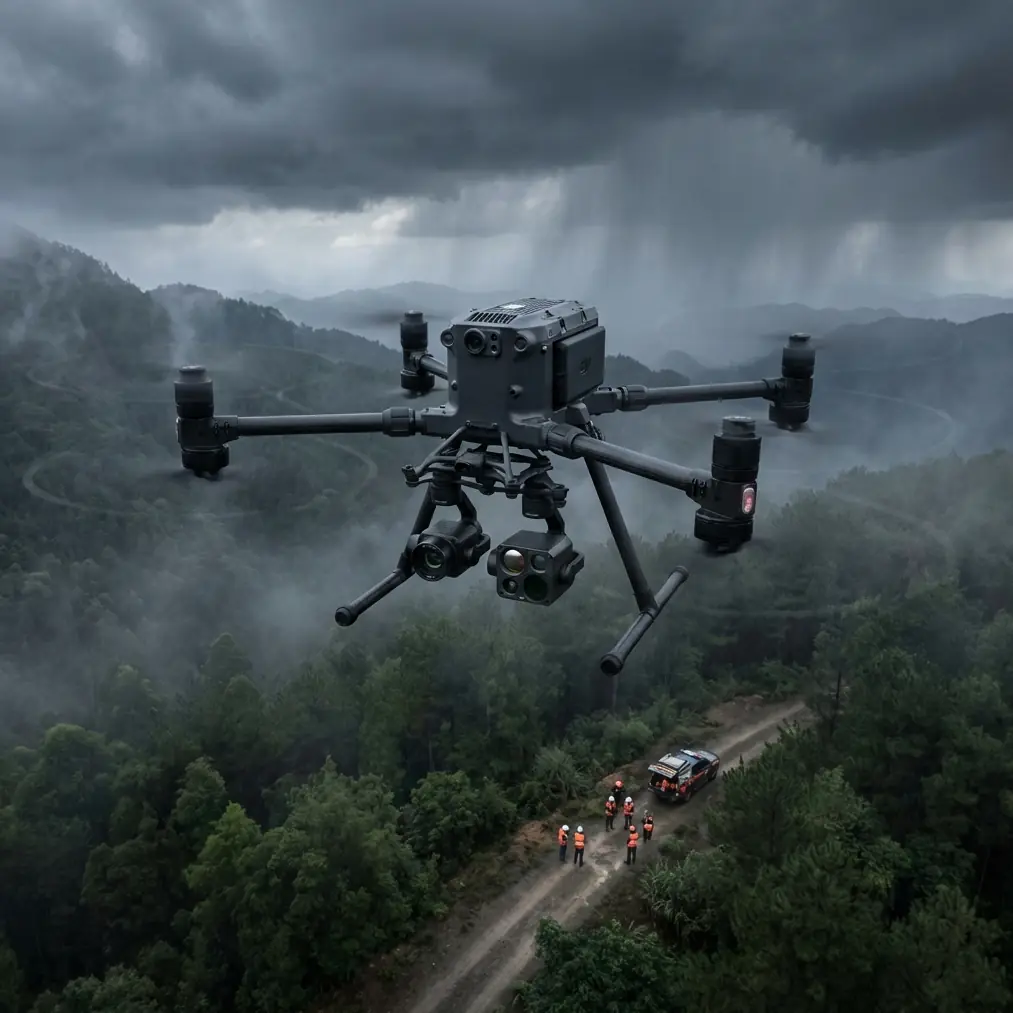
How to Capture Urban Wildlife with the Matrice 400
META: Learn how to capture stunning urban wildlife footage using the Matrice 400 drone. Expert tutorial covers thermal tracking, BVLOS ops, and electromagnetic interference fixes.
By James Mitchell | Drone Operations Expert & Certified Wildlife Survey Pilot
TL;DR
- The Matrice 400 enables precise urban wildlife monitoring through thermal signature detection, even in cluttered electromagnetic environments.
- Hot-swap batteries and O3 transmission keep you airborne and connected during extended tracking sessions across city landscapes.
- Proper antenna adjustment eliminates electromagnetic interference (EMI), the single biggest failure point in urban drone wildlife operations.
- This tutorial walks you through every step—from pre-flight configuration to post-processing photogrammetry workflows.
Urban wildlife surveys are brutally unforgiving. Between power lines, cell towers, and reflective building surfaces, your drone signal faces constant assault—and the animals you're tracking don't wait for you to troubleshoot. The Matrice 400 was built for exactly this kind of operational chaos. This guide covers how to configure, fly, and process urban wildlife missions using the M400's full sensor and communication stack, so you capture publication-grade data every single time.
Understanding the Urban Wildlife Challenge
Cities are expanding into natural habitats at an unprecedented rate. Monitoring how foxes, raptors, coyotes, deer, and bat colonies interact with urban infrastructure requires aerial platforms that can operate reliably in signal-dense environments.
Traditional drone setups fail in urban wildlife work for three reasons:
- Electromagnetic interference (EMI) from cell towers, power substations, and Wi-Fi networks corrupts control links.
- Short flight times mean you lose tracking continuity when a subject moves across neighborhoods.
- Lack of thermal capability makes nocturnal and crepuscular species effectively invisible.
The Matrice 400 addresses all three. But only if you configure it correctly.
Step 1: Pre-Flight EMI Assessment and Antenna Adjustment
This is where most urban operators fail before they even leave the ground. The Matrice 400's O3 transmission system operates on dual-band frequencies (2.4 GHz and 5.8 GHz), and urban environments are saturated on both.
How to Handle Electromagnetic Interference
Before every urban wildlife flight, perform a full-spectrum EMI scan at your launch site:
- Use a handheld RF spectrum analyzer to identify congested frequency bands within a 500-meter radius.
- On the Matrice 400 controller, switch O3 transmission to the least congested band manually—do not rely on auto-select in high-EMI zones.
- Physically adjust the controller antennas to a 45-degree outward angle, perpendicular to the drone's expected flight path. This maximizes signal gain along the correct polarization axis.
- If operating near high-voltage power lines (a common urban wildlife corridor), maintain at least 30 meters of horizontal separation to avoid induced interference on the drone's GPS and compass modules.
Expert Insight: I once lost telemetry for 11 seconds while tracking a peregrine falcon nest near a downtown cell cluster. The fix wasn't software—it was rotating my controller antennas 15 degrees clockwise to match the reflected signal path off a glass building. Urban EMI is a geometry problem, not just a frequency problem. Learn your antenna physics.
Compass Calibration Protocol
Urban metal structures wreak havoc on magnetometers. Calibrate the Matrice 400's compass at a location at least 10 meters from any metal structure, parked car, or manhole cover. Recalibrate if you move your launch point by more than 50 meters.
Step 2: Configuring Thermal Signature Detection
The Matrice 400 supports enterprise-grade thermal payloads that detect thermal signatures as subtle as 0.1°C temperature differentials. For urban wildlife, this capability is non-negotiable.
Optimal Thermal Settings for Common Urban Species
| Species | Optimal Altitude | Thermal Palette | Gain Mode | Best Time Window |
|---|---|---|---|---|
| Red Fox | 40-60m AGL | White Hot | High | Dusk (18:00-20:00) |
| Urban Coyote | 60-80m AGL | Ironbow | Auto | Pre-dawn (04:00-06:00) |
| Bat Colony | 20-35m AGL | Black Hot | High | Post-sunset (20:00-22:00) |
| Raptor Nest | 50-70m AGL | White Hot | Linear | Midday (11:00-14:00) |
| Deer | 80-100m AGL | Ironbow | Auto | Dawn (05:00-07:00) |
Key Configuration Tips
- Set the thermal camera's region of interest (ROI) to center-weighted for tracking individual animals against warm urban backgrounds like asphalt and concrete.
- Use isothermal mode to isolate body temperature ranges—typically 35-40°C for mammals—filtering out vehicle engines, HVAC units, and other urban heat sources.
- Record in radiometric format (R-JPEG or TIFF) so you can extract absolute temperature data during post-processing.
Step 3: Flight Planning for BVLOS Wildlife Tracking
Urban wildlife doesn't respect your visual line of sight. A fox traveling along a railway corridor or a raptor circling beyond a building requires BVLOS (Beyond Visual Line of Sight) capability.
Regulatory Prerequisites
Before executing any BVLOS operation with the Matrice 400:
- Obtain the appropriate BVLOS waiver from your national aviation authority (FAA Part 107.31 waiver in the US, or equivalent).
- Establish a visual observer (VO) network along the planned flight corridor with radio communication.
- File NOTAMs for your operational area and time window.
- Ensure AES-256 encryption is active on all command-and-control links to prevent unauthorized access—this is mandatory for BVLOS operations over populated areas.
Mission Design
Use the M400's mission planning software to create adaptive waypoint routes that follow known wildlife corridors:
- Urban greenways and canal paths
- Railway embankments
- Cemetery and park perimeters
- Rooftop-to-rooftop raptor transit routes
Set the drone to hover-and-observe at each waypoint for 60-90 seconds, allowing the thermal payload to scan for movement. Program altitude transitions between waypoints to account for varying building heights.
Pro Tip: Set your GCP (Ground Control Points) along the flight path before launch—especially if you're building photogrammetry models of habitat areas. Place a minimum of 5 GCPs per hectare with RTK-surveyed coordinates. This transforms your thermal footage from "cool video" into scientifically defensible spatial data that wildlife management agencies will actually use.
Step 4: Leveraging Hot-Swap Batteries for Extended Tracking
Urban wildlife surveys often require 90+ minutes of continuous aerial coverage. The Matrice 400's hot-swap battery system is critical here.
Hot-Swap Best Practices
- Always carry a minimum of 4 fully charged battery sets per mission.
- Practice the swap procedure until you can complete it in under 45 seconds—every second on the ground is a second your subject can disappear.
- Keep batteries in an insulated case during cold-weather operations; lithium cells lose up to 30% capacity below 10°C.
- Monitor individual cell voltage disparity. Replace any battery showing greater than 0.1V difference between cells.
The M400 maintains flight controller power during the swap, preserving your GPS lock, mission state, and telemetry history. This means your photogrammetry dataset stays continuous—no gaps, no re-registration.
Step 5: Post-Processing and Photogrammetry Workflow
Raw thermal and RGB data from your Matrice 400 becomes actionable intelligence only after proper processing.
Recommended Pipeline
- Ingest radiometric thermal images and geotagged RGB frames into photogrammetry software (Pix4D, Agisoft Metashape, or DroneDeploy).
- Align using GCP coordinates for sub-centimeter georeferencing accuracy.
- Generate orthomosaic thermal maps overlaid on RGB basemaps to identify habitat hotspots.
- Export animal detection points as GeoJSON or KML for integration with GIS platforms.
- Create temporal heat maps showing movement patterns across multiple survey flights.
This workflow turns a single Matrice 400 mission into a repeatable, defensible wildlife monitoring program that municipalities, conservation groups, and research institutions can build policy around.
Common Mistakes to Avoid
- Relying on auto-frequency selection in high-EMI zones. The O3 transmission system is excellent, but it can't always predict urban signal reflections. Manual band selection based on spectrum analysis is essential.
- Flying too low over urban wildlife. Even with quiet propulsion, rotor wash and visual presence cause behavioral changes. Maintain recommended altitudes from the species table above.
- Skipping GCP placement. Without ground control points, your photogrammetry outputs lack the spatial accuracy required for scientific or regulatory use. Don't cut this corner.
- Ignoring AES-256 encryption verification. In urban BVLOS operations, an unsecured control link over populated areas is both a safety hazard and a regulatory violation.
- Using a single thermal palette for all species. Different animals against different urban backgrounds require palette adjustments. A white-hot palette that works for foxes on grass will fail for bats against warm brick walls.
Frequently Asked Questions
Can the Matrice 400 track fast-moving urban wildlife like raptors?
Yes. The M400's tracking algorithms combined with its high-refresh thermal payload can maintain lock on birds moving at speeds up to 80 km/h. The key is configuring the gimbal's follow speed to "High" and using predictive tracking mode, which anticipates trajectory based on the last 3 seconds of movement data.
How does AES-256 encryption affect flight performance?
It doesn't—not in any operationally meaningful way. The encryption operates at the protocol level within the O3 transmission system and adds negligible latency (under 2 milliseconds). You get full data security with zero compromise on control responsiveness or video feed quality.
What's the maximum effective range for O3 transmission in urban environments?
While the O3 system is rated for extended range in open areas, urban environments with buildings, EMI sources, and signal reflections typically reduce effective reliable range to 3-5 km depending on obstacle density. Proper antenna adjustment—as outlined in Step 1—can push you toward the higher end of that range. Always maintain a reliable link margin of at least 6 dB above your noise floor.
Ready for your own Matrice 400? Contact our team for expert consultation.