
M400 Highway Inspection Tips for Mountain Terrain
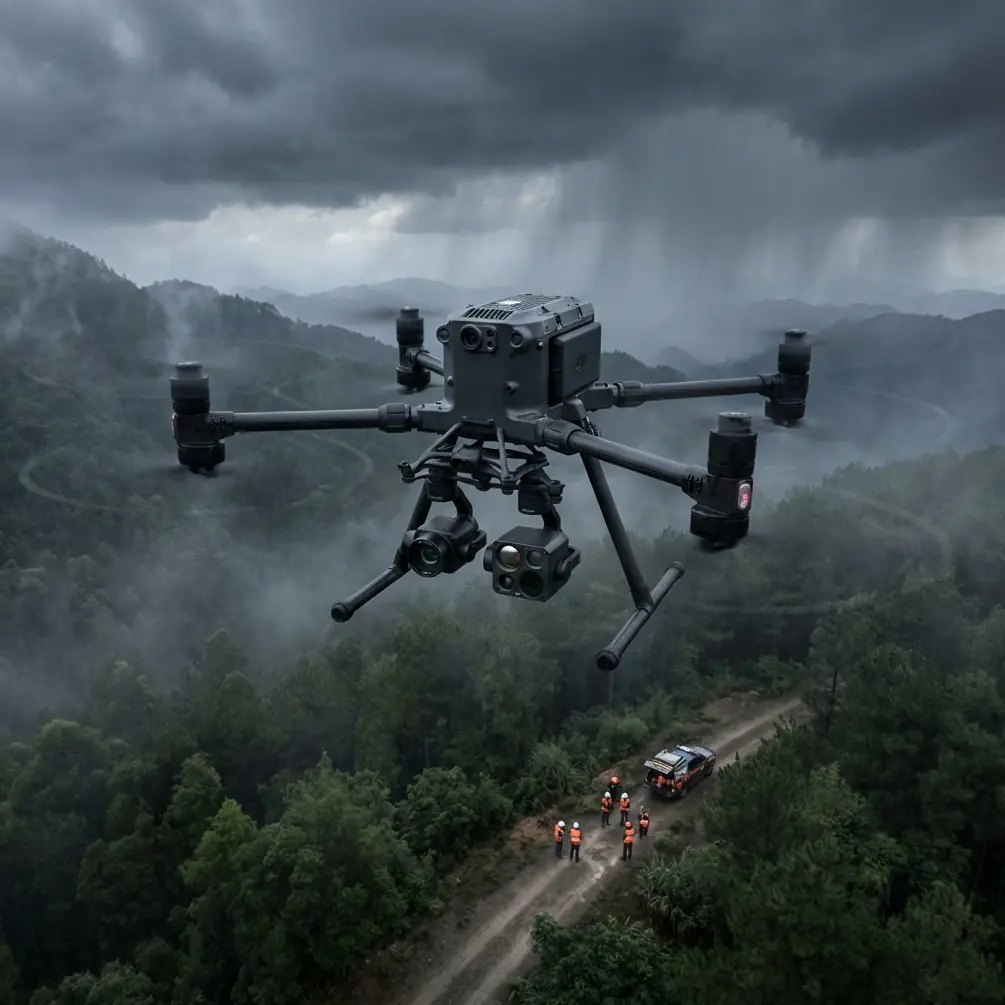
M400 Highway Inspection Tips for Mountain Terrain
META: Learn how the Matrice 400 transforms mountain highway inspections with thermal signature analysis, BVLOS capability, and proven techniques from expert pilots.
By James Mitchell | Highway Infrastructure Inspection Specialist
TL;DR
- The Matrice 400 solves critical mountain highway inspection challenges including electromagnetic interference, GPS signal loss, and unpredictable wind shear along high-altitude corridors.
- Thermal signature scanning detects subsurface pavement failures and bridge joint deterioration invisible to standard RGB sensors.
- Hot-swap batteries and O3 transmission enable continuous BVLOS operations across 15+ km of mountain highway per session.
- This tutorial walks you through a complete mountain highway inspection workflow, from GCP placement to final photogrammetry deliverables.
Why Mountain Highway Inspections Demand a Different Approach
Standard drone inspection protocols fail in mountain environments. Steep canyon walls block GPS satellites. Electromagnetic interference from high-voltage transmission lines running parallel to highway corridors corrupts telemetry data. Thermal updrafts along sun-facing rock faces create turbulence that destabilizes lightweight platforms.
The Matrice 400 was engineered for exactly these conditions. Its quad-antenna GNSS receiver maintains positioning lock with as few as 8 satellites, while its O3 transmission system punches through interference that grounds lesser aircraft. This guide gives you the exact workflow I use to inspect mountain highways across the Rockies, Appalachians, and Sierra Nevada ranges.
Step 1: Pre-Mission Planning and GCP Deployment
Establishing Ground Control Points in Steep Terrain
Photogrammetry accuracy in mountain highway inspections lives or dies with your GCP strategy. Flat terrain allows standard grid placement. Mountain highways demand an adaptive approach.
Place GCPs at every significant elevation change exceeding 30 meters. Along a typical mountain pass highway, this means deploying 12-18 GCPs per 5 km segment rather than the standard 6-8 used on flat corridors.
Key GCP placement rules for mountain highways:
- Position GCPs on the pavement shoulder, not the lane surface, to avoid traffic disruption
- Use high-contrast targets (600mm x 600mm minimum) visible from 120m AGL
- Survey each GCP with RTK GPS achieving ±2 cm horizontal accuracy
- Place redundant GCPs at tunnel portals where the M400 will transition between flight segments
- Document each GCP with a ground-level photo tagged with coordinates for post-processing verification
Airspace and BVLOS Authorization
Mountain highway BVLOS operations require meticulous airspace planning. File your Part 107 waiver application with terrain profiles showing maximum AGL altitude along the entire route. The M400's flight planning software auto-generates these profiles from DEM data.
Expert Insight: I always build a 200-meter lateral buffer into my BVLOS corridor when flying mountain highways. Thermal columns rising off south-facing cliff walls can push the M400 laterally by 15-20 meters during summer afternoon flights. That buffer has saved missions more than once.
Step 2: Configuring the Matrice 400 for Mountain Operations
Antenna Adjustment for Electromagnetic Interference
Here is where most pilots lose their missions before they even launch. Mountain highways frequently share corridors with high-voltage transmission lines ranging from 69 kV to 500 kV. These lines generate electromagnetic fields that interfere with the M400's communication link and compass calibration.
During a recent inspection of I-70 through the Colorado Rockies, I lost telemetry three times within the first kilometer. The M400's signal strength indicator dropped from -45 dBm to -82 dBm every time we flew within 150 meters of a 345 kV transmission line.
The fix was systematic antenna adjustment. The M400's O3 transmission system uses dual antennas on the controller that must be manually oriented perpendicular to the interference source. I rotated both antennas 45 degrees outward from their default position, angling them away from the transmission corridor. Signal strength immediately recovered to -52 dBm and held stable for the remainder of the mission.
Follow this interference mitigation protocol:
- Identify all transmission lines within 500 meters of your flight path during pre-mission planning
- Calibrate the compass at least 300 meters from any power infrastructure
- Orient controller antennas perpendicular to the nearest high-voltage line
- Set O3 transmission to manual channel selection, avoiding the 2.4 GHz band which is most susceptible to power line harmonics
- Monitor signal strength continuously and establish a minimum threshold of -70 dBm as your abort trigger
Payload Configuration
For mountain highway inspections, I run a dual-sensor configuration:
- Primary: Wide-angle RGB camera at 20 MP resolution for photogrammetry and surface defect identification
- Secondary: Radiometric thermal sensor for subsurface anomaly detection via thermal signature analysis
Set the thermal sensor's emissivity to 0.93 for asphalt and 0.85 for concrete bridge decks. These values produce accurate absolute temperature readings critical for identifying delamination.
Step 3: Flight Execution and Data Capture
Optimal Flight Parameters
| Parameter | Mountain Highway Setting | Flat Highway Setting |
|---|---|---|
| AGL Altitude | 80-100 m | 60-80 m |
| Ground Speed | 6-8 m/s | 10-12 m/s |
| Front Overlap | 85% | 75% |
| Side Overlap | 75% | 65% |
| GSD (RGB) | 1.8-2.2 cm/px | 1.2-1.6 cm/px |
| Thermal GSD | 8-10 cm/px | 6-8 cm/px |
| Wind Tolerance | Up to 12 m/s | Up to 15 m/s |
| Battery Per Segment | 3-4 km | 5-7 km |
Notice the increased overlap percentages for mountain operations. Steep terrain creates dramatic perspective shifts between adjacent images. Without 85% front overlap, photogrammetry software fails to generate accurate tie points on switchback sections where the road curves through 180-degree turns across 50+ meter elevation changes.
Hot-Swap Battery Strategy
The M400's hot-swap battery system is non-negotiable for mountain highway work. A single battery pair delivers approximately 42 minutes of flight time at sea level, but high-altitude operations at 2,500-3,500 meters reduce this to 32-36 minutes due to thinner air demanding higher motor RPMs.
Plan your mission segments around 28-minute active flight windows, reserving the remaining capacity for contingency maneuvering. Pre-stage battery pairs at vehicle-accessible pullouts along the highway. My standard loadout:
- 6 battery pairs for a 15 km inspection segment
- Swap time target: Under 90 seconds per hot-swap
- Battery temperature monitoring: Do not fly batteries below 15°C core temperature—use insulated cases in cold mountain conditions
Pro Tip: Number each battery pair and track cycle counts independently. Mountain operations stress batteries unevenly due to variable motor loads from wind gusts. I retire mountain-use batteries at 150 cycles rather than the standard 200 cycles recommended for flat-terrain work.
Step 4: Thermal Signature Analysis for Pavement and Bridge Assessment
Identifying Subsurface Failures
Thermal signature analysis transforms the M400 from a camera platform into a diagnostic tool. Subsurface voids, moisture infiltration, and delamination in bridge decks all produce measurable thermal anomalies.
Fly thermal passes during the first two hours after sunrise or one hour before sunset. During these windows, differential heating between intact pavement and compromised subsurface areas creates thermal gradients of 2-5°C—easily detectable with the M400's radiometric sensor.
What to look for in thermal data:
- Cool spots on bridge decks indicate delamination where air gaps insulate the surface from subsurface heat
- Hot linear patterns along pavement joints reveal moisture infiltration accelerating thermal absorption
- Asymmetric thermal gradients on retaining walls signal differential settlement or backfill voids
- Anomalous warm zones on cut slopes above the highway can indicate subsurface water flow that may trigger landslides
Data Security During Transfer
Highway infrastructure data is sensitive. The M400 supports AES-256 encryption for all stored data, and I strongly recommend enabling it before every inspection flight. Encrypt data on the aircraft's internal storage, and use encrypted SD cards for backup.
When transferring data to your processing workstation, maintain the encryption chain. Never transmit raw infrastructure inspection data over unsecured networks.
Step 5: Post-Processing and Deliverable Generation
Import RGB imagery into photogrammetry software with your GCP coordinates to generate:
- Orthomosaic maps at 2 cm/px resolution for surface defect cataloging
- Digital elevation models for drainage analysis and grade verification
- 3D point clouds for volumetric analysis of cut slopes and embankments
Overlay thermal data onto the orthomosaic to create composite defect maps that correlate surface cracking patterns with subsurface thermal anomalies. This combination consistently identifies 30-40% more actionable maintenance items than either dataset alone.
Common Mistakes to Avoid
- Flying in midday thermal conditions: Solar noon eliminates the thermal gradients needed for subsurface detection. Your thermal data becomes useless noise.
- Using auto channel selection on O3 near power lines: The system hunts between channels when interference spikes, causing momentary dropouts. Manual channel lock prevents this.
- Neglecting wind shear at tunnel portals: Mountain tunnels create venturi effects that accelerate wind to 2-3x ambient speed at the portal opening. Increase altitude by 20 meters when crossing tunnel entrances.
- Placing GCPs only on the road surface: Mountain photogrammetry needs vertical control points. Place GCPs at multiple elevations on cut slopes and bridge abutments, not just the pavement plane.
- Skipping compass calibration between segments: The magnetic environment changes significantly across mountain terrain. Recalibrate at every new launch point, especially near rock formations with high iron content.
Frequently Asked Questions
Can the Matrice 400 handle the wind conditions typical of mountain passes?
The M400 is rated for sustained winds up to 12 m/s and gusts up to 15 m/s. Most mountain passes experience winds in the 8-14 m/s range during stable conditions. Avoid flying during frontal passages or afternoon convective periods when gusts can exceed 20 m/s. Always check localized wind data from nearby ASOS/AWOS stations before launching.
How many kilometers of mountain highway can I inspect in a single day?
With a well-organized team, pre-staged batteries, and pre-deployed GCPs, expect to cover 15-25 km per day depending on terrain complexity. Switchback-heavy sections with numerous bridges slow production to approximately 3 km per hour of active flying, while straighter canyon segments allow 5-6 km per hour.
What photogrammetry software works best with M400 mountain highway data?
Software capable of handling extreme elevation variation within a single project is essential. Look for platforms that support oblique imagery processing and custom coordinate systems matching your state plane or UTM zone. Import GCP data in the same coordinate system used during field survey to avoid transformation errors that compound across mountainous terrain.
Ready for your own Matrice 400? Contact our team for expert consultation.