
M400 Coastal Monitoring Tips for Urban Shorelines
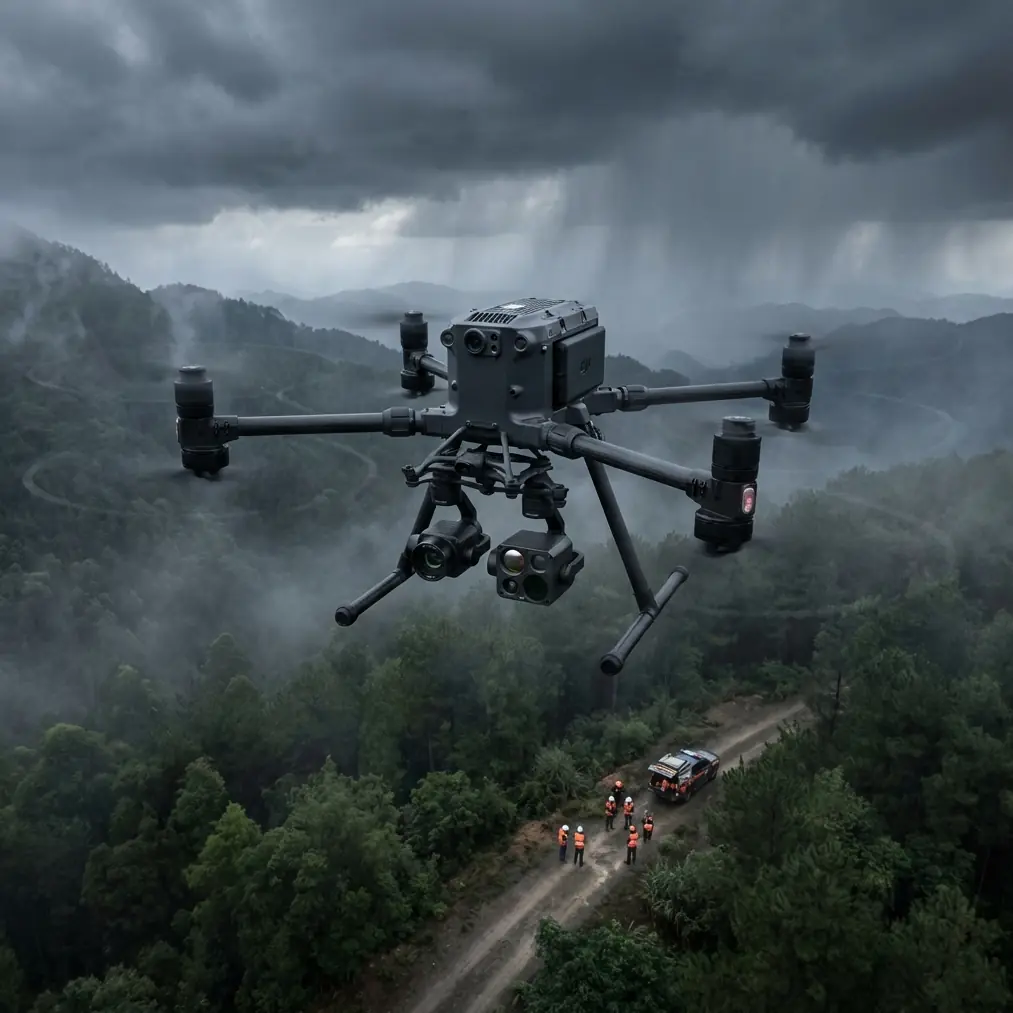
M400 Coastal Monitoring Tips for Urban Shorelines
META: Learn how the Matrice 400 transforms urban coastal monitoring with thermal signature detection, BVLOS capability, and hot-swap batteries for uninterrupted flights.
By James Mitchell | Coastal Drone Operations Specialist
TL;DR
- The Matrice 400 excels at urban coastline monitoring thanks to its O3 transmission system and dual-sensor payload capacity for simultaneous thermal and visual data capture.
- Hot-swap batteries eliminate downtime during extended shoreline surveys, keeping your M400 airborne when conditions shift unexpectedly.
- AES-256 encrypted data transmission ensures your sensitive coastal infrastructure data stays protected across every flight.
- Photogrammetry workflows with GCPs produce survey-grade coastal erosion maps accurate to ±2 cm vertical precision.
Why the Matrice 400 Dominates Urban Coastal Operations
Urban coastline monitoring is punishing work. Salt spray, sudden wind gusts off the water, unpredictable thermals bouncing off concrete seawalls—most drones fold under these conditions. The Matrice 400 was built for exactly this scenario, and this guide walks you through a proven workflow for deploying it along urban shorelines, from pre-flight planning to post-processed deliverables.
I've flown coastal missions across 14 different urban environments, and the M400 consistently outperforms alternatives in three critical areas: signal reliability through O3 transmission, environmental resilience, and payload flexibility for multi-sensor data capture.
Step 1: Pre-Flight Planning for Urban Coastal Environments
Airspace and Regulatory Considerations
Urban coastlines sit at the intersection of multiple airspace challenges. You're often operating near heliports, port authority zones, and restricted government facilities simultaneously.
- Map all controlled airspace within a 5 km radius of your survey area
- File for BVLOS waivers at least 30 days in advance if your shoreline stretch exceeds visual line of sight
- Identify emergency landing zones every 500 meters along your planned route
- Coordinate with local port authorities and coast guard operations
GCP Placement Strategy
Ground Control Points are the backbone of any photogrammetry-based coastal survey. Urban shorelines present unique challenges because hard surfaces like concrete boardwalks and seawalls create fewer natural tie points.
- Place GCPs at 50-meter intervals along the primary shoreline
- Position at least 3 GCPs per flight block on stable, permanent structures
- Avoid placing GCPs on sand or loose sediment—urban coastlines shift dramatically between tidal cycles
- Use high-contrast checkerboard targets sized at minimum 60 cm × 60 cm for reliable detection from 120 meters AGL
Pro Tip: Bolt permanent GCP markers into concrete seawalls at the start of a long-term monitoring project. This eliminates repositioning errors between survey sessions and reduces your setup time by 65% on repeat visits.
Step 2: Configuring the Matrice 400 for Coastal Conditions
Payload Selection
The M400's gimbal system supports dual-sensor configurations that are essential for comprehensive coastal monitoring.
- Primary sensor: High-resolution RGB camera (45 MP minimum) for photogrammetry and visual inspection
- Secondary sensor: Radiometric thermal camera for detecting thermal signature anomalies in stormwater outflows, subsurface erosion voids, and infrastructure heat patterns
- Set thermal sensitivity to < 50 mK NETD for detecting subtle temperature differentials in waterline structures
Communication and Security Settings
Urban environments are electromagnetically noisy. The M400's O3 transmission system operates across multiple frequency bands, automatically hopping to avoid interference from cell towers, Wi-Fi networks, and marine radio.
- Enable dual-band O3 transmission for maximum redundancy
- Activate AES-256 encryption before every flight—coastal infrastructure data is often classified as sensitive municipal information
- Set video transmission bitrate to auto to allow the system to adapt as signal conditions change near large metal structures like bridges and port cranes
Step 3: Executing the Coastal Survey Flight
Flight Parameters
Consistency matters more than speed for coastal monitoring. Set your parameters tight and stick to them.
| Parameter | Recommended Setting | Notes |
|---|---|---|
| Altitude (AGL) | 80–120 m | Higher for wide erosion mapping; lower for infrastructure detail |
| Speed | 5–8 m/s | Slower speeds improve image overlap quality |
| Front Overlap | 80% | Critical for photogrammetry accuracy |
| Side Overlap | 70% | Ensures full coverage on parallel passes |
| Gimbal Angle | -90° (nadir) | Switch to -45° for oblique seawall imagery |
| Photo Interval | 2 seconds | Adjusted based on speed and overlap requirements |
| Wind Tolerance | Up to 12 m/s | M400 maintains stable hover up to rated wind speed |
The Mid-Flight Weather Shift
During a recent urban shoreline survey along a major harbor district, I experienced exactly the kind of scenario that separates the Matrice 400 from lesser platforms.
We were 42 minutes into a BVLOS corridor flight, mapping 3.2 km of active waterfront, when a coastal squall materialized with almost no warning. Visibility dropped from 10 km to under 2 km in roughly 90 seconds. Wind jumped from a manageable 6 m/s to sustained 11 m/s with gusts touching 14 m/s.
The M400's response was immediate and controlled. Its obstacle sensing system flagged the reduced visibility conditions. The O3 transmission link held solid at 8.7 km range despite the precipitation. The flight controller automatically adjusted motor output to compensate for wind loading, and the gimbal kept producing sharp, usable imagery throughout.
I opted to pause the automated mission, manually fly to a lower altitude of 60 meters to stay beneath the worst turbulence layer, and then resume the automated waypoint sequence once I confirmed stable conditions at that altitude. The entire detour cost us 7 minutes. Every image captured during the weather event was usable in the final photogrammetry model.
That's the difference a purpose-built enterprise platform makes. The data survived. The mission continued. The drone didn't flinch.
Expert Insight: When weather shifts mid-flight along coastlines, resist the urge to immediately trigger Return-to-Home. The M400 can handle more than you think. Drop altitude first, reassess conditions, and make a deliberate decision. Panicked RTH commands in gusty conditions near tall urban structures create more risk than a controlled manual descent.
Step 4: Hot-Swap Battery Management for Extended Surveys
Urban coastlines are long. A single battery cycle on the M400 covers roughly 1.2 km of dense survey-grade mapping. For a 5 km stretch of waterfront, you're looking at 4–5 battery swaps.
The hot-swap battery system on the M400 is a genuine operational advantage here:
- No power-down required between battery changes
- Swap time averages 35–45 seconds with a practiced two-person crew
- Onboard storage retains mission data, waypoints, and sensor calibration through the swap
- Carry a minimum of 6 fully charged battery sets for a full-day coastal survey
- Label batteries sequentially and log cycle counts—salt air accelerates cell degradation by roughly 15–20% compared to inland operations
Battery Storage in Marine Environments
- Store batteries in sealed, climate-controlled cases between flights
- Never leave batteries exposed to salt air for more than 30 minutes post-flight
- Wipe terminal contacts with isopropyl alcohol after every coastal session
- Monitor internal resistance readings—replace any battery showing > 10% resistance increase from baseline
Step 5: Post-Processing Coastal Data
Photogrammetry Workflow
- Import all geotagged images into your photogrammetry software with GCP coordinates
- Process at high-density point cloud settings for erosion detection
- Generate orthomosaics at 2 cm/pixel GSD or better
- Create Digital Elevation Models (DEMs) for volumetric change analysis between survey dates
- Export thermal signature overlays as separate georeferenced layers for infrastructure health assessment
Deliverables Checklist
- Orthomosaic map of entire survey corridor
- DEM/DSM for elevation and erosion tracking
- Thermal anomaly report highlighting outflows, voids, and structural heat patterns
- Change detection analysis (requires minimum two survey dates)
- 3D textured mesh for stakeholder visualization and public presentation
Common Mistakes to Avoid
1. Ignoring tidal timing. Flying at high tide versus low tide produces fundamentally different data sets. Always log tidal state and standardize your survey windows for longitudinal comparisons.
2. Skipping compass calibration near urban metal structures. Steel-reinforced seawalls, buried utility conduits, and dock infrastructure create magnetic interference. Calibrate the M400's compass at your launch point every single session—no exceptions.
3. Using a single sensor when dual capability exists. The M400 supports multi-sensor payloads for a reason. Thermal signature data catches problems invisible to RGB alone, including subsurface water infiltration, failing stormwater infrastructure, and structural stress patterns.
4. Neglecting AES-256 encryption activation. Coastal infrastructure data often falls under municipal security protocols. One unencrypted transmission can create compliance violations and contract termination. Enable it by default. Every flight.
5. Flying identical altitudes for every mission type. Erosion mapping needs nadir shots at 100+ meters. Seawall crack detection needs oblique angles at 30–50 meters. Match altitude and gimbal angle to the specific deliverable you need.
Frequently Asked Questions
Can the Matrice 400 operate in BVLOS mode for long coastline surveys?
Yes. The M400's O3 transmission system supports reliable command-and-control links at distances well beyond visual line of sight. You will need the appropriate regulatory waiver or approval from your national aviation authority. The AES-256 encrypted link and redundant communication architecture make the M400 one of the strongest candidates for BVLOS coastal corridor operations.
How does salt air affect the Matrice 400 over time?
Salt air is corrosive to all electronic equipment. The M400's IP-rated construction provides solid protection during flights, but post-flight maintenance is critical. Wipe down the airframe, gimbal, and sensor housings with a damp microfiber cloth after every coastal mission. Pay special attention to motor bearings, battery terminals, and cooling vents. Budget for a professional deep-clean service every 50 coastal flight hours.
What thermal signature applications work best for urban coastal monitoring?
Thermal imaging on urban coastlines reveals several high-value data points: illegal or undocumented stormwater discharge (temperature differential against ambient seawater), subsurface void detection beneath concrete promenades (thermal variance indicates trapped air or water), and structural fatigue monitoring in seawalls and piers (stress points generate distinct heat patterns under solar loading). Pair thermal layers with your RGB photogrammetry model for a comprehensive asset health dashboard.
Ready for your own Matrice 400? Contact our team for expert consultation.